
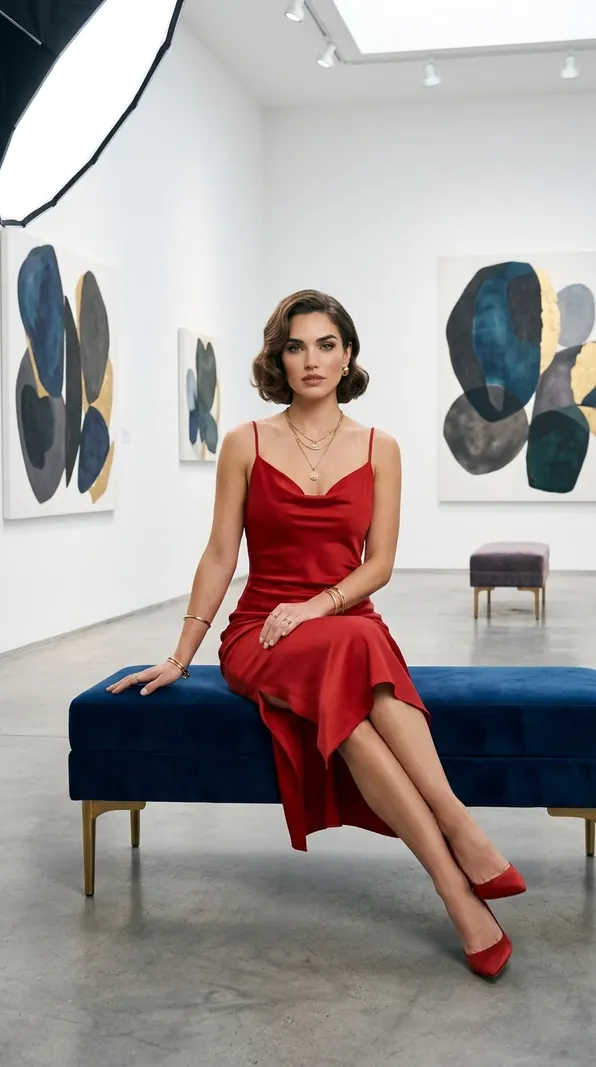
 Scarlet CollectorPhone
Art Gallery · In the permanent collection
Gallery Noir
A portrait among the masters, framed for your screen. Gallery Noir is shown at its true 768×1376 resolution, with deep blacks that rest gently on OLED screens.
Download
Crops are cut from the original and never enlarged — sizes shown are the real pixels you receive.
How to set as wallpaper on PC / Laptop
Windows: Settings → Personalization → Background → Browse photos. Linux: choose the saved image in your desktop’s Background or Appearance settings.